Files
The Files page provides a document and media library, giving you access to files that the organization has published alongside its maps and dashboards - reports, guidelines, datasets, or any other supporting material.
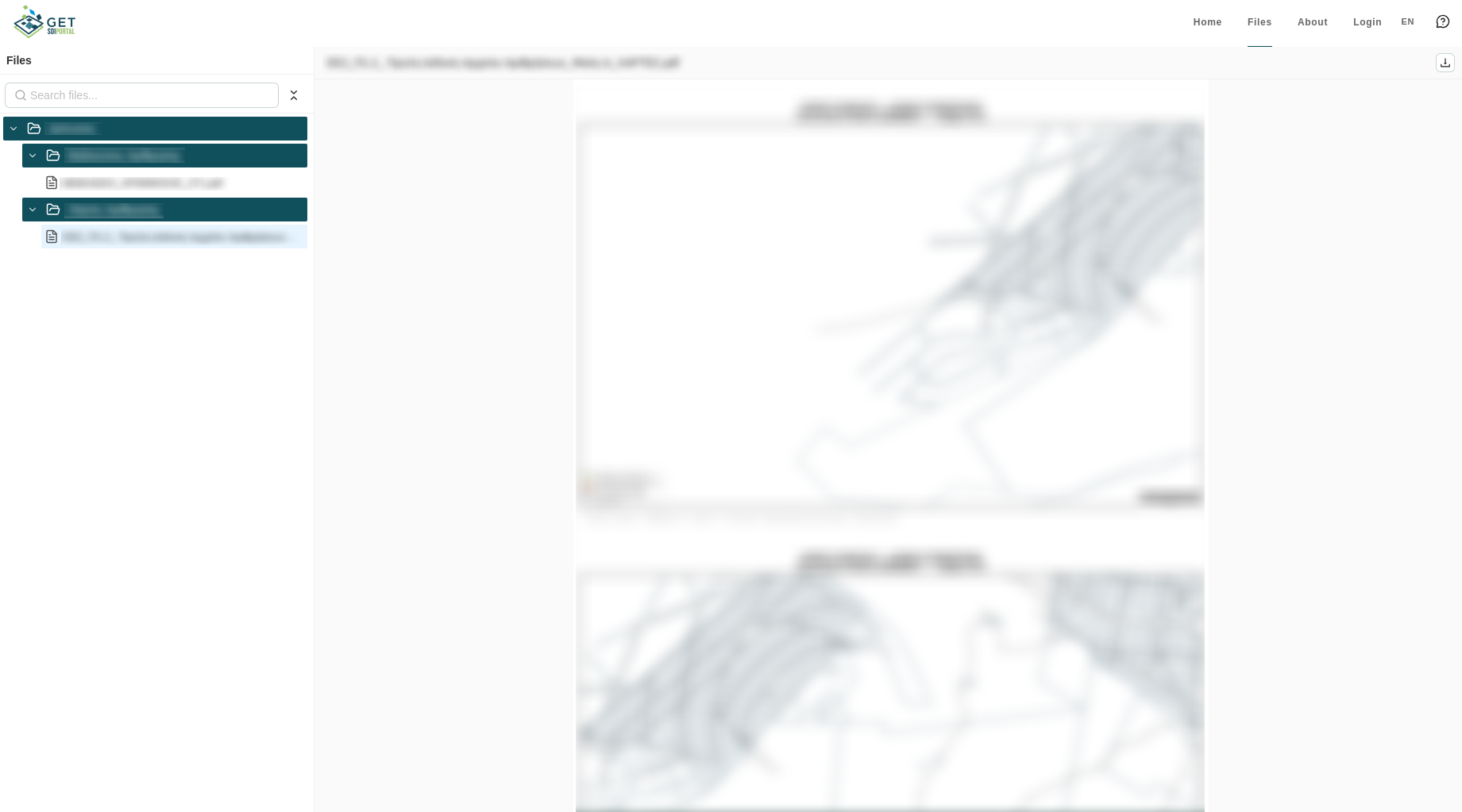
File Tree
On the left, a sidebar shows the file tree, organized into filenodes (directories, which can contain further sub-filenodes) and the files inside them.
- Search: filter the tree down to matching filenodes and files by name.
- Expand / collapse all: open or close every filenode in the tree at once.
- Browse: click a filenode to expand it and reveal its contents; click a file to open it in the preview.
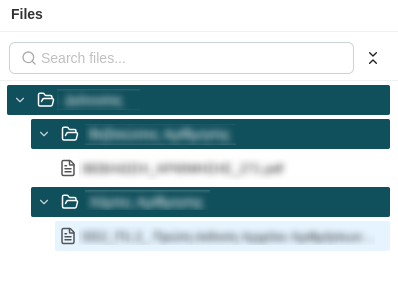
File Preview
Selecting a file opens it in the preview pane, alongside a small header showing the full file name and a button for downloading it.
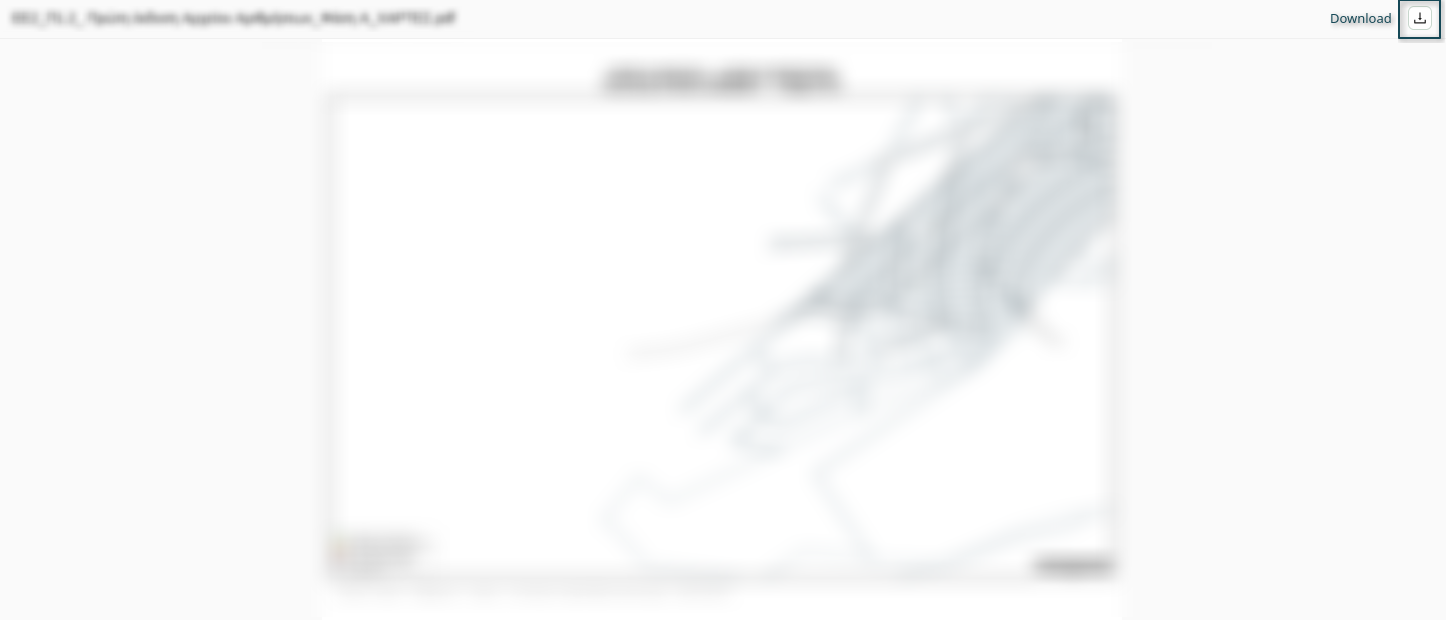
Not every file type can be shown inline - if no preview is available, the pane just displays the download button instead.
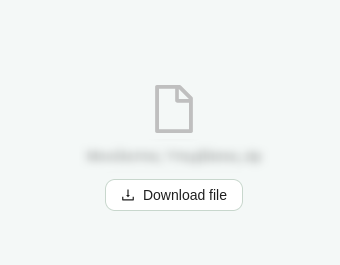
For the full list of supported file types and their preview behavior, see File Types.